PRODUCTION INTELLIGENCE

TechnoPirata Production Journal

Practical techno production guides for hardgroove, raw, hypnotic and acid workflows in Ableton Live.

33 expert guides

LATEST ARTICLES

Filtered guides

25 results
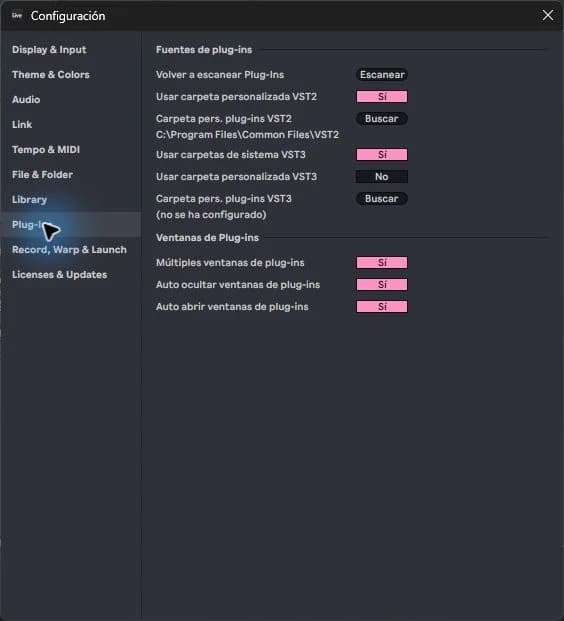
Actual Plug-In Configuration in Ableton Live

How to install a VST in Ableton Live

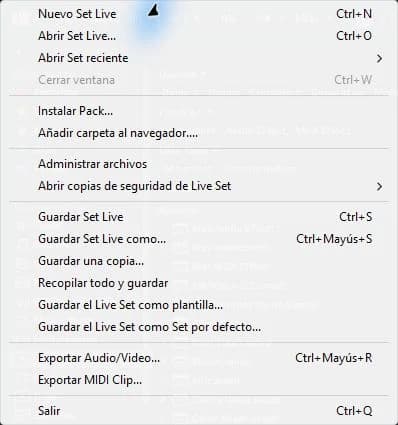
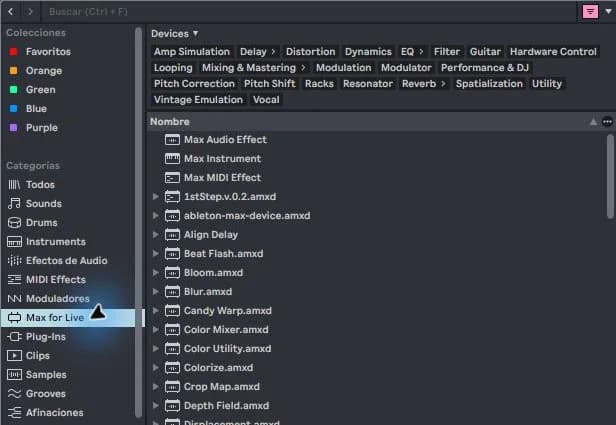
Installing a VST in Ableton Live has two parts: installing the plugin and allowing Live to find its compatible format. A standalone application that you open from the desktop does not guarantee that its VST version has also been installed. Start with just one instrument and see if it works before adding more.

Read guide
Essential Ableton Live interface and workflow for techno production
Ableton Workflow11 min read

How to Produce in Ableton Live: Essential Techno Workflow

To produce in Ableton Live efficiently, set up a clean project, use Session View to test clips, move to Arrangement View early and organise drums, instruments, returns and automation by role. This guide gives you a focused techno workflow for Audio, MIDI, Drum Rack, Simpler, templates and test exports while showing which Live features can wait.

Read guide
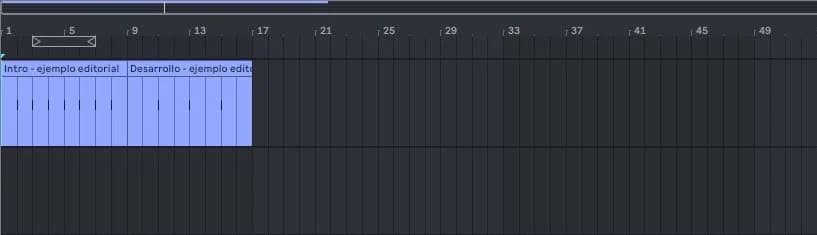
Techno arrangement timeline turning an eight bar loop into a complete track in Ableton Live
Arrangement12 min read

How to Arrange a Techno Track: Turn a Loop into a Full Track

To arrange a techno track from an eight-bar loop, map a simple energy curve, duplicate the complete loop across a timeline, create sections through subtraction, and add transitions only where the groove needs explanation. This workflow turns finished loop ingredients into a DJ-readable full track without burying the central idea under endless new layers or decorative automation.

Read guide
Techno kick rumble bass and low end workflow in Ableton Live

How to Make a Techno Rumble in Ableton Live

To make a techno rumble in Ableton Live, send a clean kick to a short reverb, record the wet tail, shape its envelope and spectrum, then duck it from the dry kick. The useful result is a controlled low-end rhythm that supports each impact; it is not simply a loud reverb or a second kick hidden underneath the track.

Read guide
Hardgroove techno production workflow with drums bass and groove in Ableton Live

How to Make Hardgroove Techno in Ableton Live

To make hardgroove techno in Ableton Live, build a stable kick and bass anchor, program syncopated percussion around it, apply groove selectively, and arrange recurring rhythmic ideas into clear energy stages. This guide treats hardgroove as a complete production system—not just a kick sound—so drums, bass, movement, processing, and arrangement reinforce the same physical pulse.

Read guide
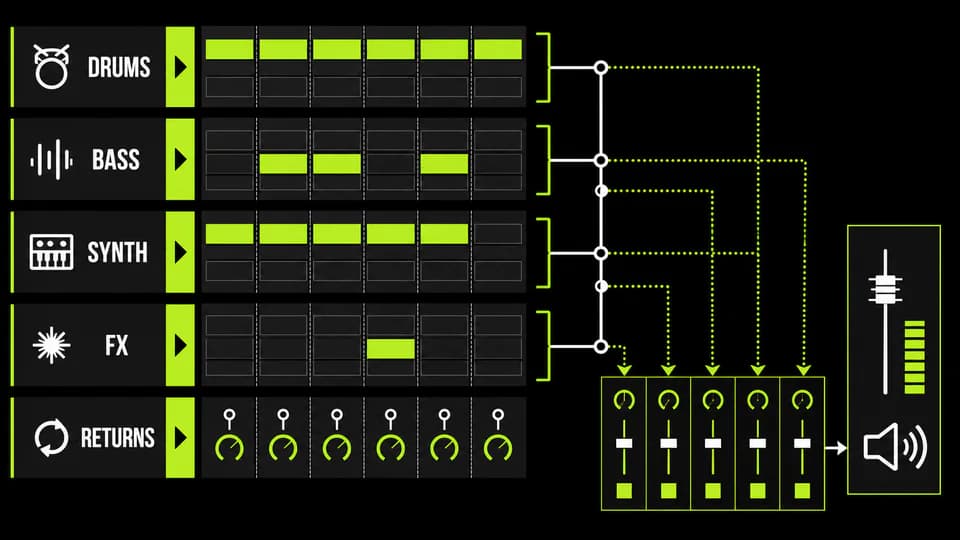
Complete Ableton Live-style techno arrangement with drums, bass, synths, effects and returns
Ableton Workflow14 min read

Where to Download Ableton Templates for Techno and House: Complete Live Projects

Download an Ableton template only after confirming the Live version, required plug-ins, included samples, license and whether the archive opens as a complete Project. A strong template exposes arrangement, routing, automation and mix decisions you can inspect. TechnoPirata's real project catalogue is the direct place to evaluate the Ableton sessions currently offered by this site.

Read guide
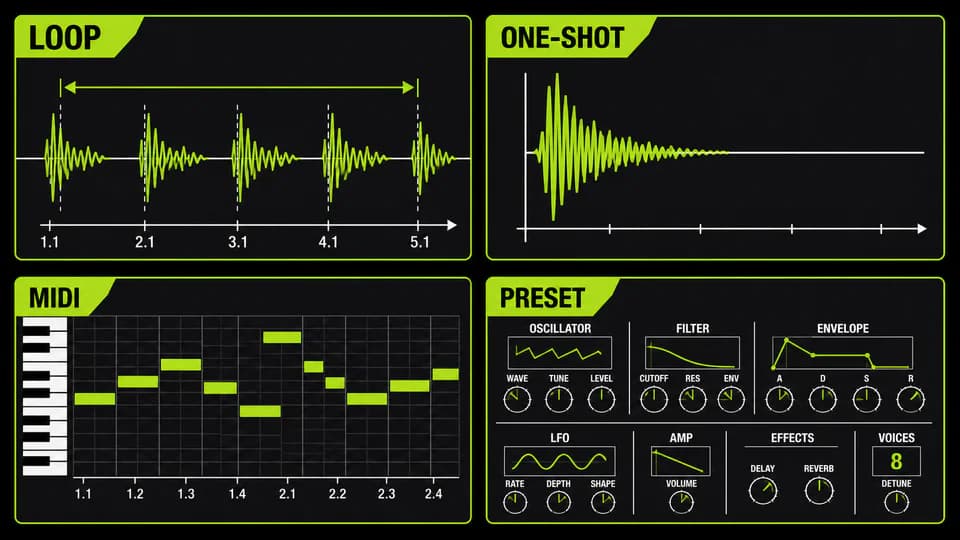
Organized techno sample library with waveforms, folders, MIDI and drum-rack pads
Samples13 min read

Where to Download Techno Samples: Packs, Loops and One-Shots for Ableton Live

Download techno samples from a source that states the license, file format and exact contents before checkout. A useful pack should let you preview the sound, distinguish loops from one-shots, confirm BPM or key where relevant and understand whether commercial releases are permitted. TechnoPirata's live sample explorer is the safest starting point for material actually available here.

Read guide